KEA (formerly VOX)
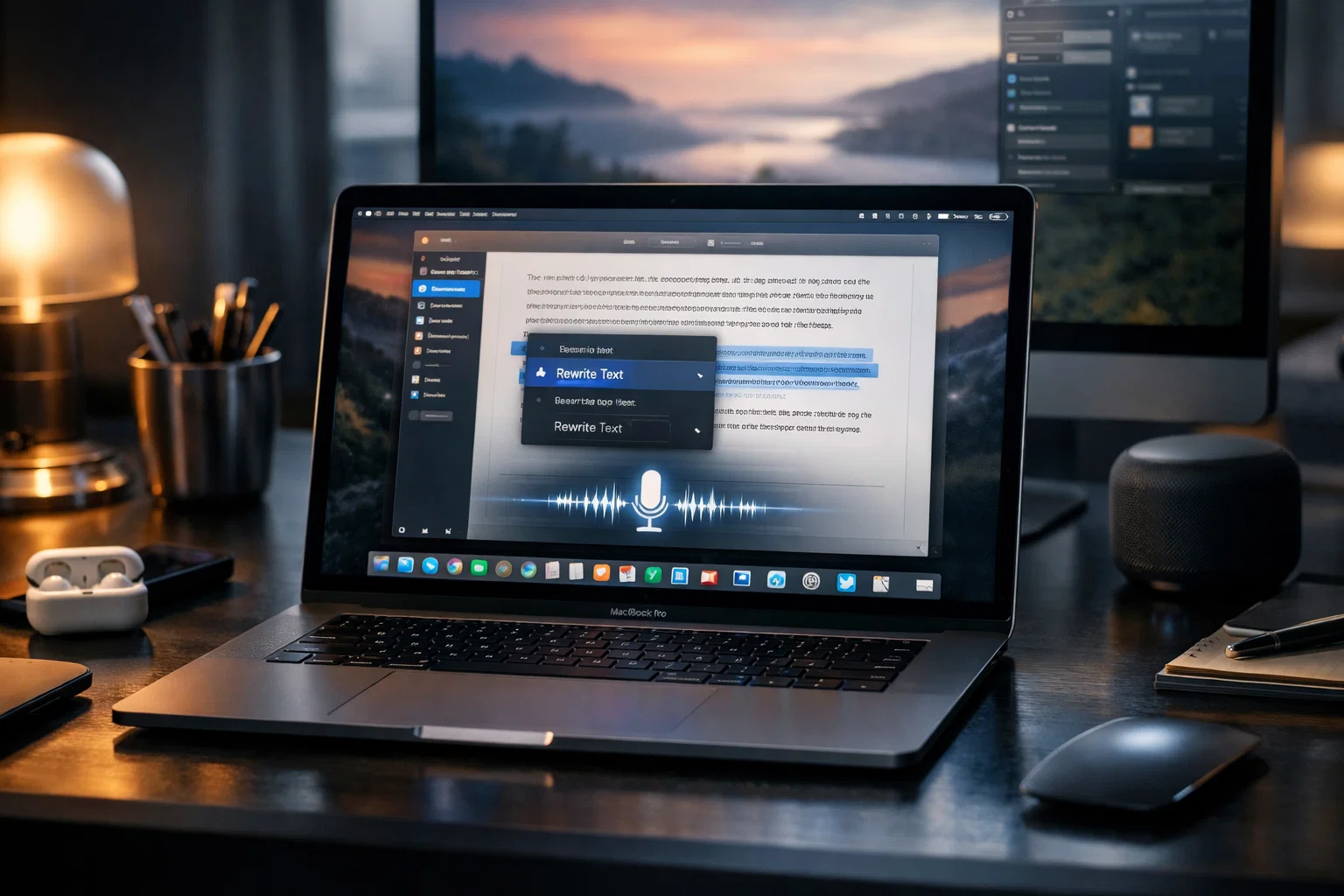
A local-first AI desktop tool in Rust + Tauri — rewrite text with a hotkey, dictate with a local or hosted model, and get meeting notes. Rebuilt from a Swift app.
- Status
- In progress
- Core stack
- Rust · Tauri · React · SQLite
Overview
My personal AI desktop tool, rebuilt from the native-Swift VOX into a Rust + Tauri app so it isn't tied to one platform and the engine layer is genuinely pluggable. It runs on macOS today; Windows/Linux builds compile and are CI-tested but their runtime isn't finished.
It replaced several paid subscriptions for me — speech-to-text, LLM text cleanup, and meeting notes — in one place, with the option to run everything locally.
Key features
Features
- Rewrite selected text on a hotkey.
- Dictation: transcribe on pause, LLM cleanup, paste at cursor.
- Meeting notes: record mic + system audio, then LLM summary you can chat with.
Design
- 6-crate Rust workspace; pluggable LLM/STT/TTS engines (OpenAI or local whisper-rs/sherpa-onnx).
- 63 Tauri commands; macOS Accessibility, ScreenCaptureKit, and Keychain integration.
Tech stack
Rust · Tauri · React · SQLite · OpenAI · whisper-rs · sherpa-onnx